Features
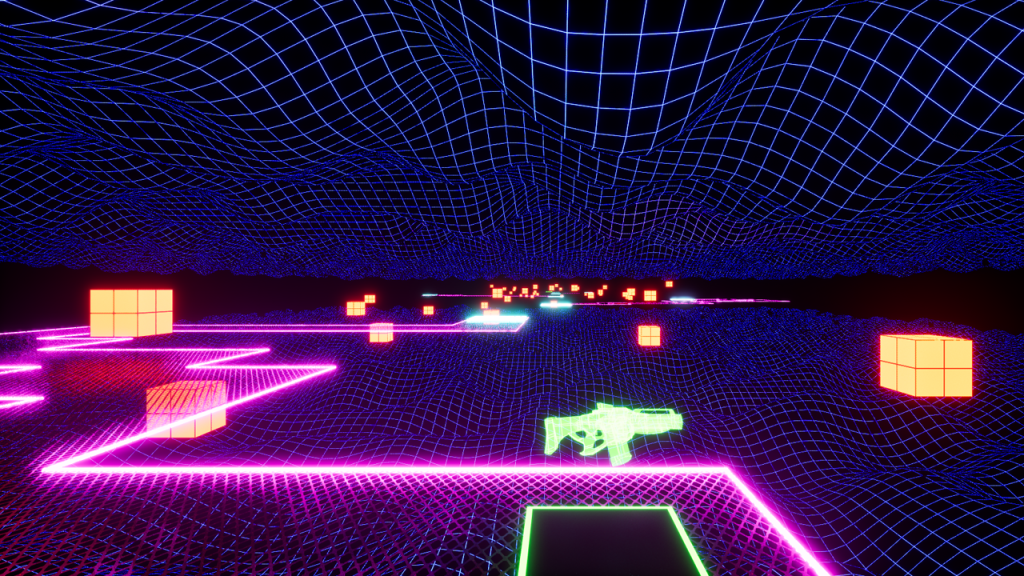
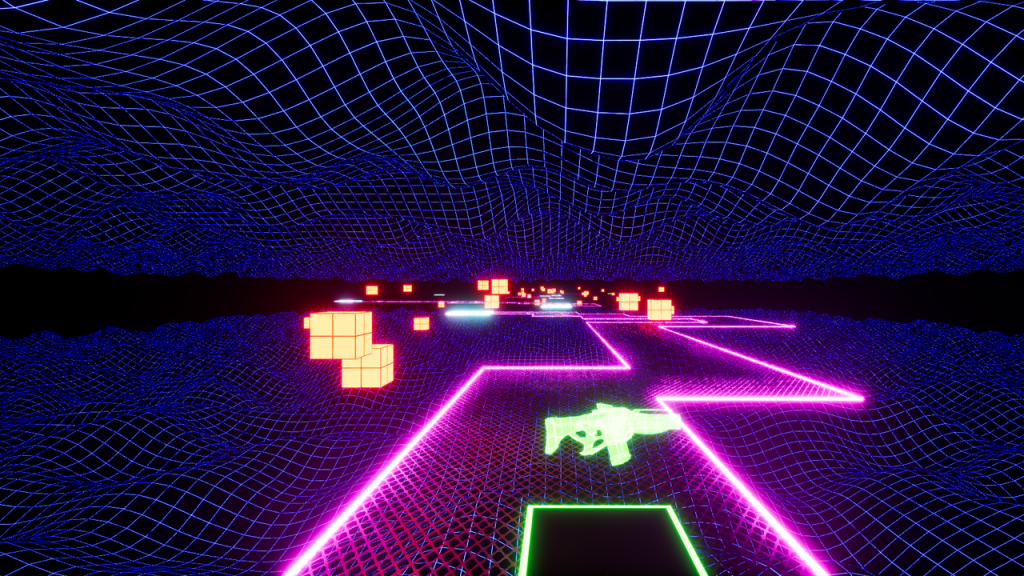
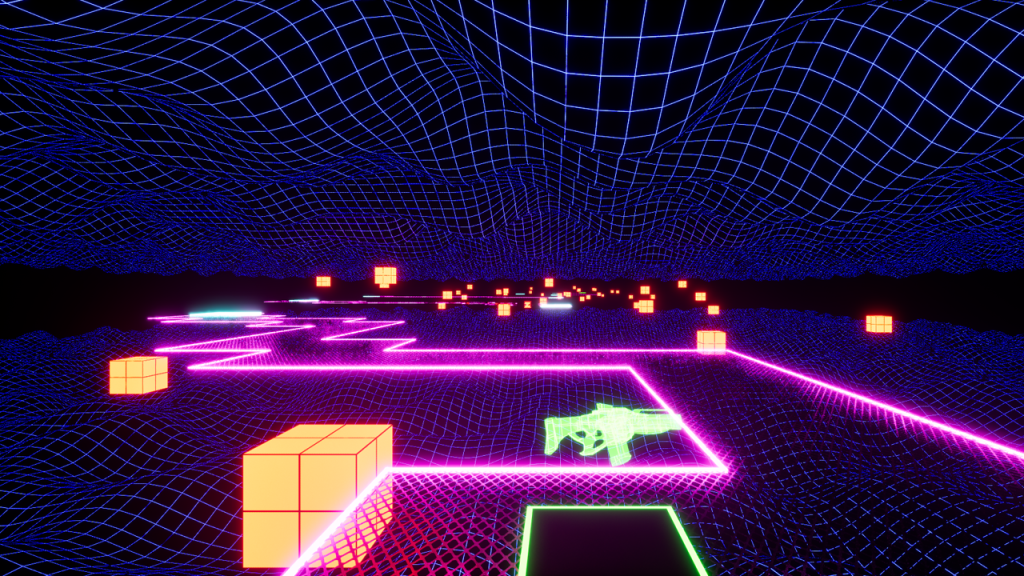
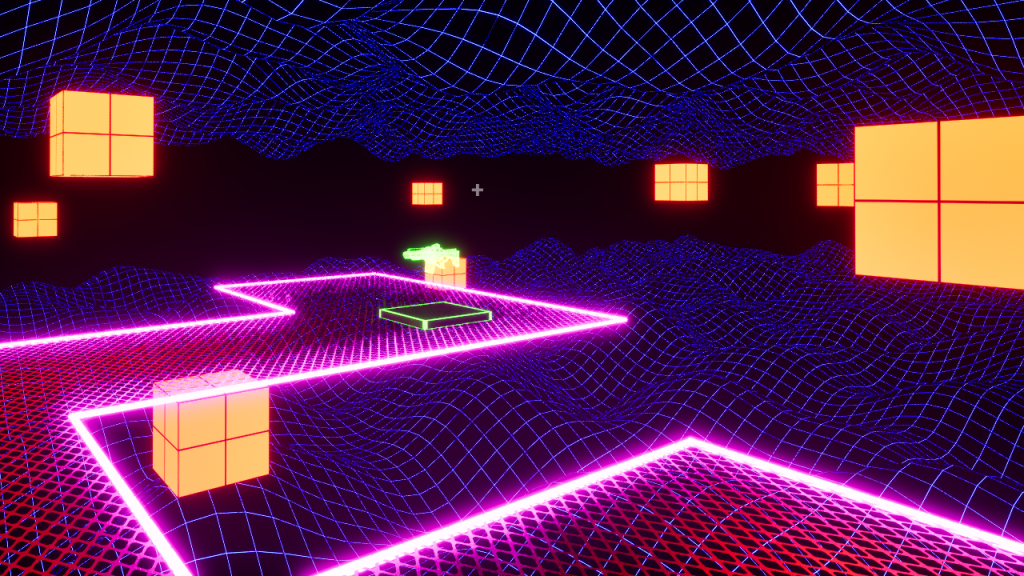
Neon Zone is a first-person shooter prototype game developed in Unreal Engine 5.
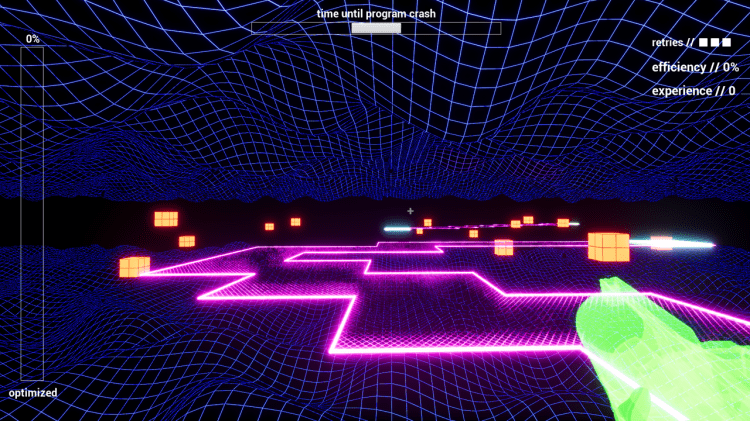
Get uploaded into a computer program and optimize its digital landscape by destroying the bugs.
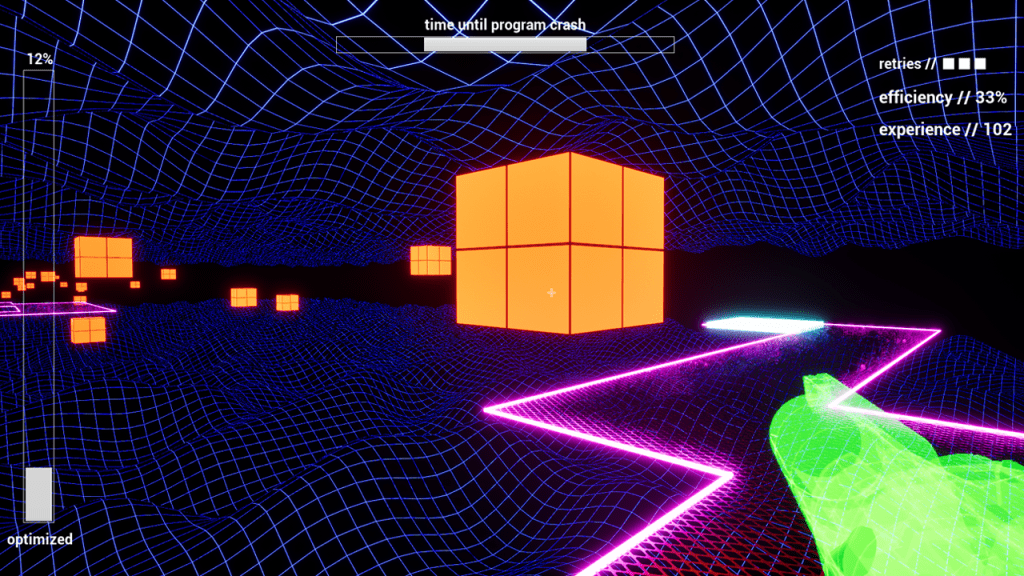
Find yourself in a digital world inspired by holographic and virtual reality visuals.
A combination of procedural generation and randomized spawning creates a unique game world to navigate for every playthrough.
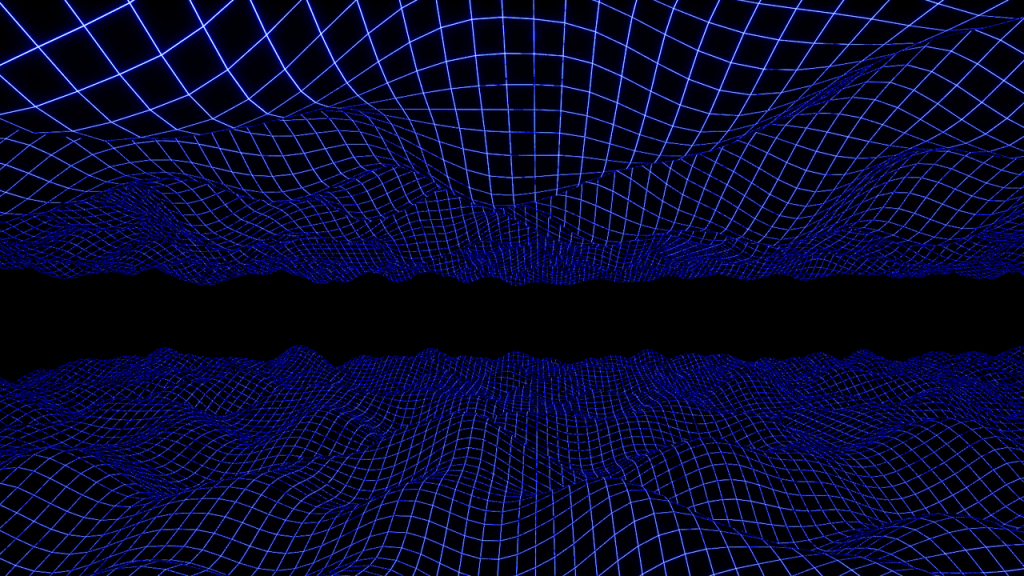
Procedural Landscape C++ Code:
Procedural_Landscape.h
#pragma once

#include "CoreMinimal.h"
#include "GameFramework/Actor.h"
#include "PerlinProcTerrain.generated.h" // Include perlin proc terrain.

class UProceduralMeshComponent; // Declare procedural mesh component class.

class UMaterialInterface; // Declare material interface class;

UCLASS()
class GAM415_API APerlinProcTerrain : public AActor
{
	GENERATED_BODY()

public:
	// Sets default values for this actor's properties
	APerlinProcTerrain();

	// Declare coordinate variables for generating procedural landscape.
	UPROPERTY(EditAnywhere, Meta = (ClampMin = 0))
		int XSize = 0;
	UPROPERTY(EditAnywhere, Meta = (ClampMin = 0))
		int YSize = 0;

	// Declare variable for scaling z coordinate bounds.
	UPROPERTY(EditAnywhere, BlueprintReadWrite, Meta = (ClampMin = 0))
		float ZMultiplier = 1.0f;

	// Declare variable for scaling noise parameter.
	UPROPERTY(EditAnywhere, Meta = (ClampMin = 0))
		float NoiseScale = 1.0f;

	// Declare variable for scaling.
	UPROPERTY(EditAnywhere, Meta = (ClampMin = 0.000001))
		float Scale = 0;

	// Declare variable for scaling the UV set.
	UPROPERTY(EditAnywhere, Meta = (ClampMin = 0.000001))
		float UVScale = 0;

	// Declare size variables for generating holes.
	UPROPERTY(EditAnywhere)
		float radius;
	UPROPERTY(EditAnywhere)
		FVector Depth;

protected:
	// Called when the game starts or when spawned
	virtual void BeginPlay() override;

	// Declare variable for the material interface.
	UPROPERTY(EditAnywhere)
		UMaterialInterface* Mat;

public:
	// Called every frame
	virtual void Tick(float DeltaTime) override;

	// Function to modify the mesh.
	UFUNCTION()
		void AlterMesh(FVector impactPoint);

private:
	// Declare variables for generating procedural assets.
	UProceduralMeshComponent* procMesh;
	TArray<FVector> Vertices;
	TArray<int> Triangles;
	TArray<FVector2D> UV0;
	TArray<FVector> Normals;
	TArray<FColor> UpVertexColors;

	int sectionID = 0;

	void CreateVertices();
	void CreateTriangles();
};
Procedural_Landscape.cpp
#include "PerlinProcTerrain.h"
#include "ProceduralMeshComponent.h" // Include procedural mesh component.
#include "KismetProceduralMeshLibrary.h" // Include kismet procedural mesh library.

// Sets default values
APerlinProcTerrain::APerlinProcTerrain()
{
 	// Set this actor to call Tick() every frame.  You can turn this off to improve performance if you don't need it.
	PrimaryActorTick.bCanEverTick = false; // Disabled tick.

	// Initialize procedural mesh component.
	procMesh = CreateDefaultSubobject<UProceduralMeshComponent>("Prcedural Mesh");

	// Set procedural mesh to root component.
	procMesh->SetupAttachment(GetRootComponent());

}

// Called when the game starts or when spawned
void APerlinProcTerrain::BeginPlay()
{
	Super::BeginPlay();

	// Generate vertices and triangles for the procedural mesh.
	CreateVertices();
	CreateTriangles();

	// Generate procedural mesh for landscape by passing base mesh data.
	procMesh->CreateMeshSection(sectionID, Vertices, Triangles, Normals, UV0, UpVertexColors, TArray<FProcMeshTangent>(), true);

	// Set material for the landscape.
	procMesh->SetMaterial(0, Mat);

}

// Called every frame
void APerlinProcTerrain::Tick(float DeltaTime)
{
	Super::Tick(DeltaTime);

}

// Function for calculating procedural plotting area.
// Use this block to edit terrain.
void APerlinProcTerrain::AlterMesh(FVector impactPoint)
{
	for (int i = 0; i < Vertices.Num(); i++)
	{
		FVector tempVector = impactPoint - this->GetActorLocation();

		if (FVector(Vertices[i] - tempVector).Size() < radius)
		{
			Vertices[i] = Vertices[i] - Depth;
			procMesh->UpdateMeshSection(sectionID, Vertices, Normals, UV0, UpVertexColors, TArray<FProcMeshTangent>());
		}
	}
}

// Function for generating size of procedural area.
void APerlinProcTerrain::CreateVertices()
{
	for (int X = 0; X <= XSize; X++)
	{
		for (int Y = 0; Y <= YSize; Y++)
		{
			// Calculate rigidness or softness of terrain.
			float Z = FMath::PerlinNoise2D(FVector2D(X * NoiseScale + 0.1, Y * NoiseScale + 0.1)) * ZMultiplier;
			// GEngine->AddOnScreenDebugMessage(-1, 999.0f, FColor::Yellow, FString::Printf(TEXT("Z %f"), Z)); // ADDED Print out Z value.
			Vertices.Add(FVector(X * Scale, Y * Scale, Z));
			UV0.Add(FVector2D(X * UVScale, Y * UVScale));
		}
	}
}

// Function for drawing polys based on selected vertices.
void APerlinProcTerrain::CreateTriangles()
{
	int Vertex = 0;

	for (int X = 0; X < XSize; X++)
	{
		for (int Y = 0; Y < YSize; Y++)
		{
			Triangles.Add(Vertex);
			Triangles.Add(Vertex + 1);
			Triangles.Add(Vertex + YSize + 1);
			Triangles.Add(Vertex + 1);
			Triangles.Add(Vertex + YSize + 2);
			Triangles.Add(Vertex + YSize + 1);

			Vertex++;
		}

		Vertex++;
	}
}
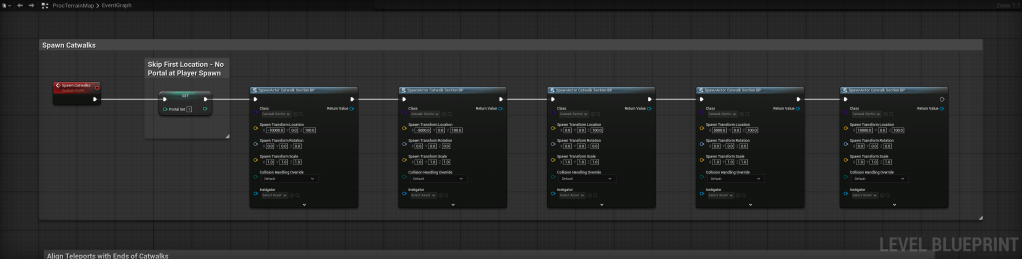
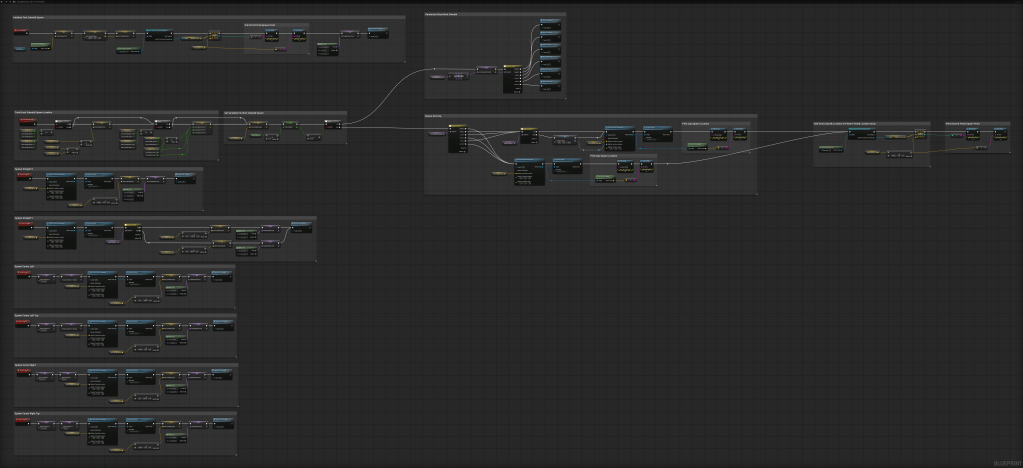
Each catwalk’s path is generated using an array of designed squares, allowing for random directions and curves.
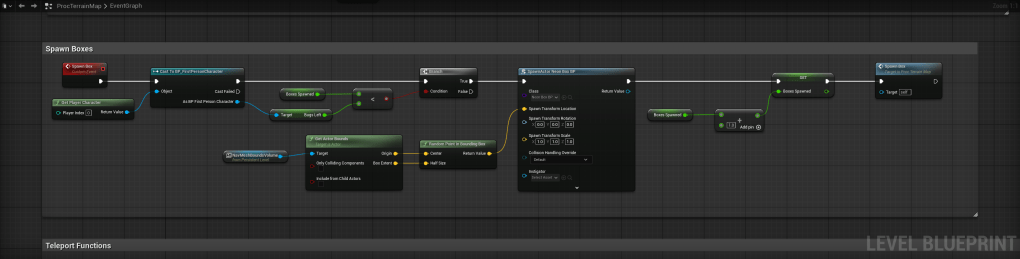
Bugs are also spawned randomly across the map.
You’re not just playing a game... You’re in the game.
The immersive theme of the user interface keeps you booted up in the gameplay.
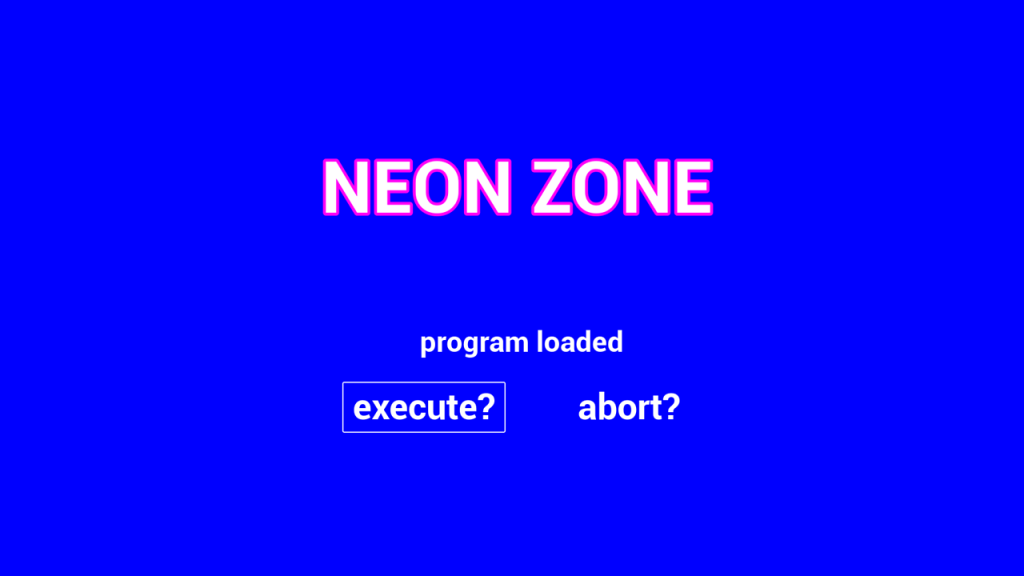
Whether you pause the game, use up your retries, or run out of time, you’re reminded that you’re still in the program.
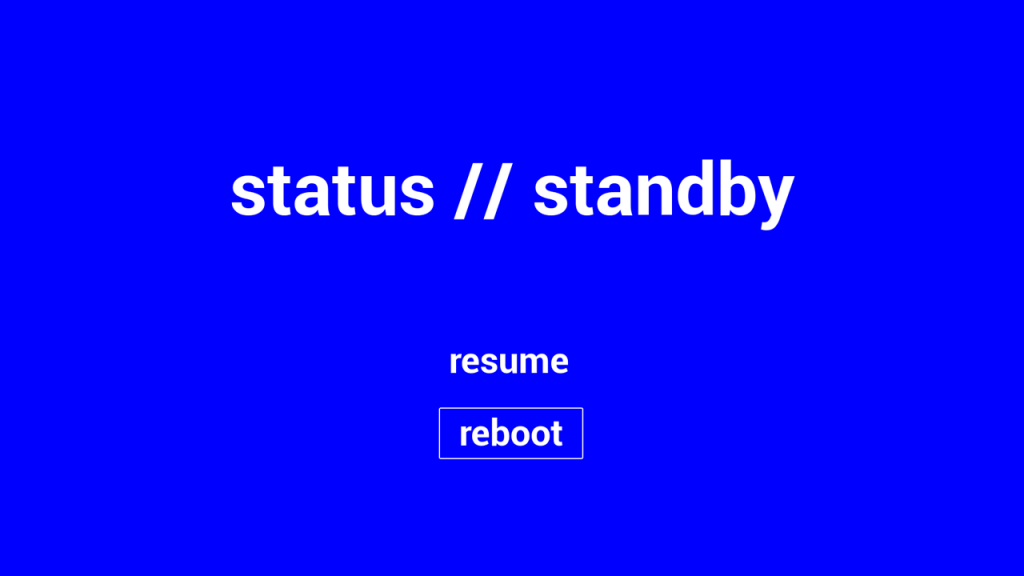
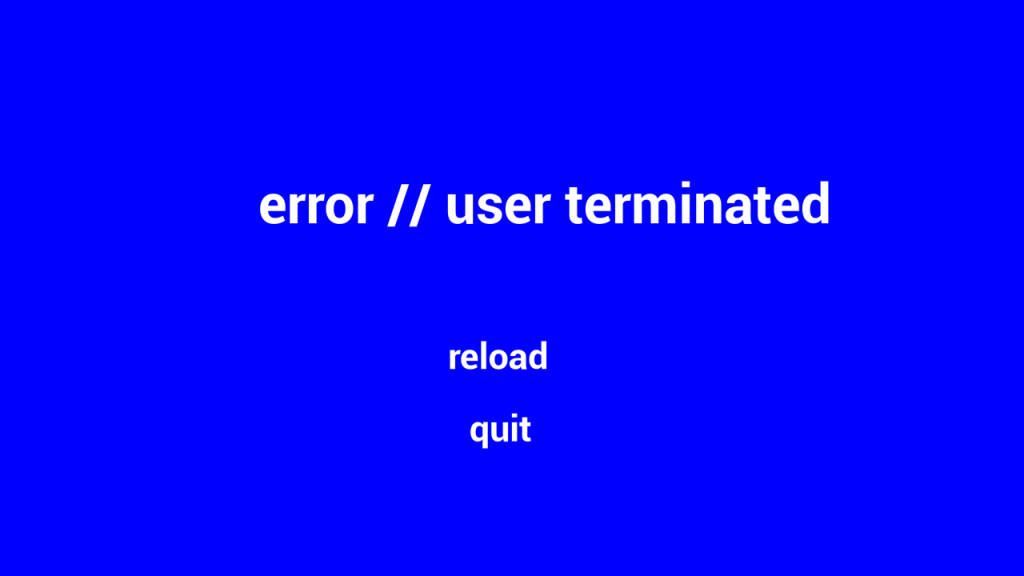
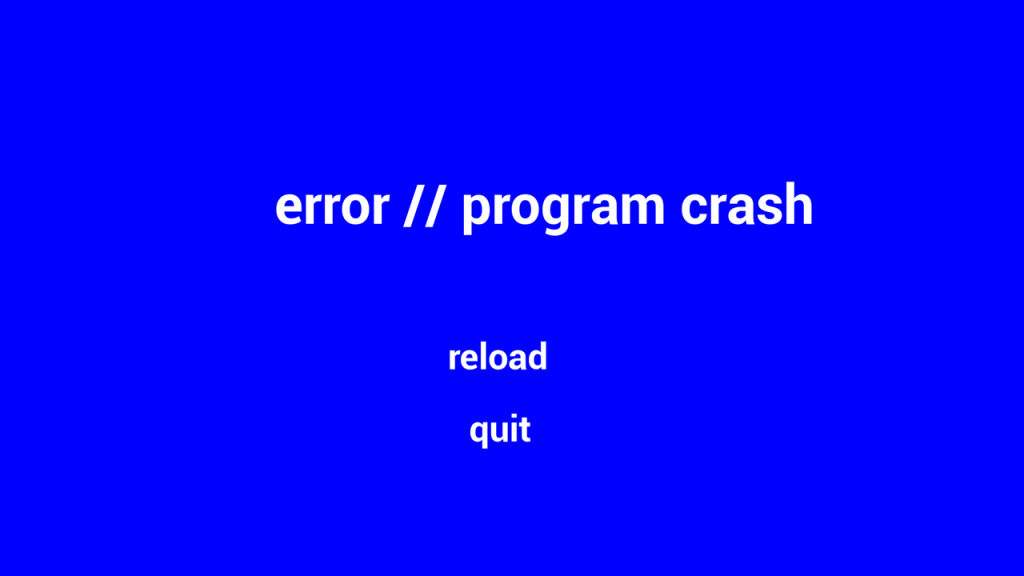
The HUD upholds the program interface visuals, using a theme-based design to track game data, such as completion and time remaining, and player stats, such as lives, accuracy, and score.
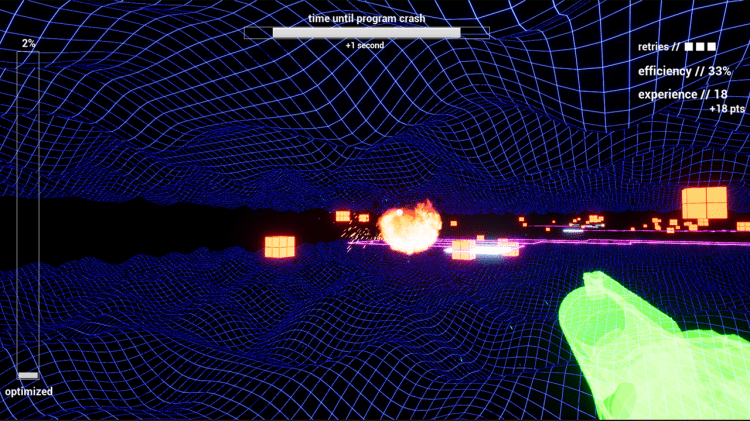
Shooting bugs from further away increases the value of their points.
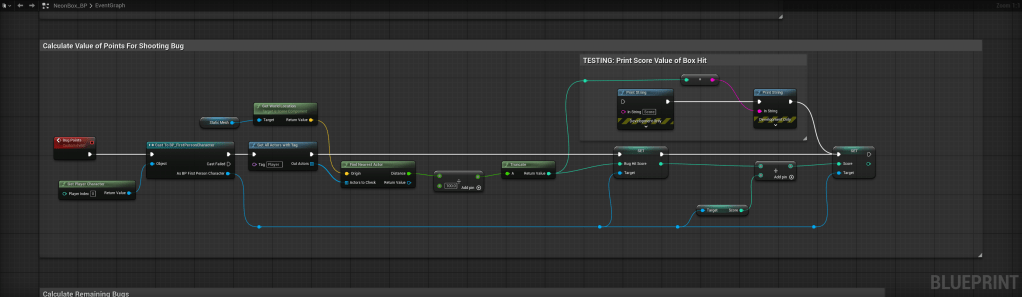
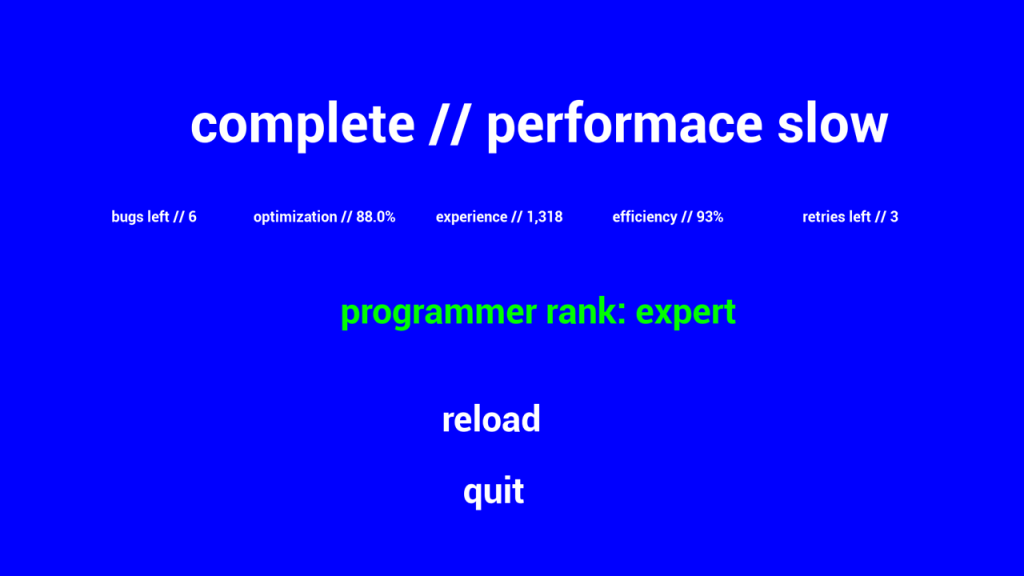
Build your skills and rank your character’s ability to optimize the program.
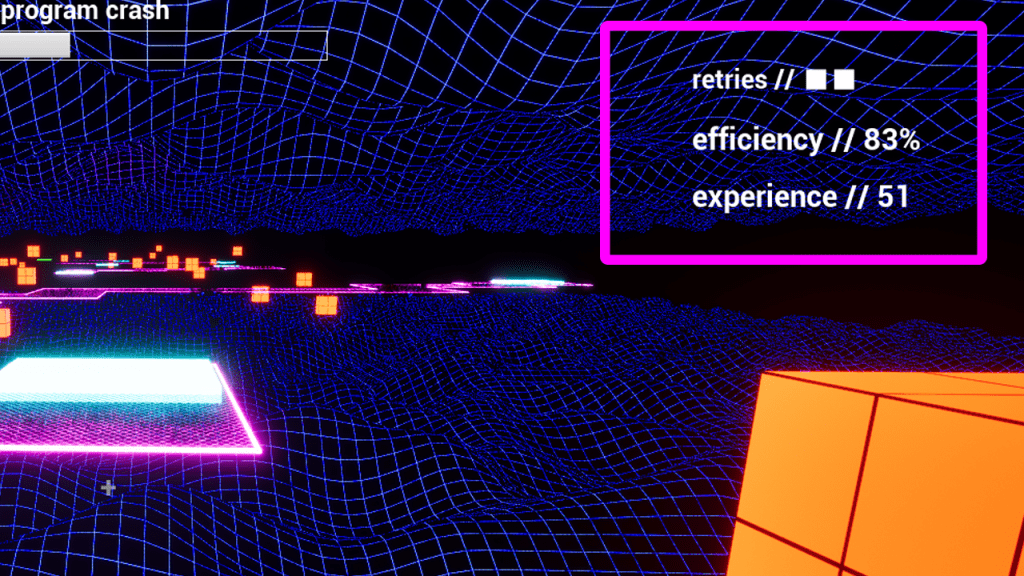
Track your progress and skills via the HUD.
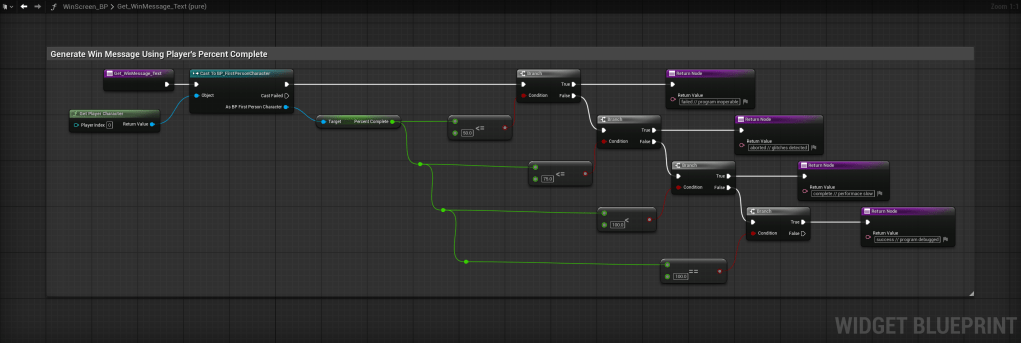
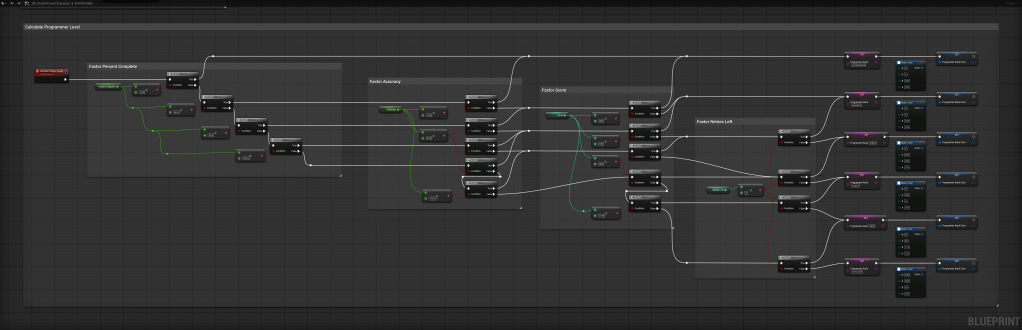
The program’s optimization is determined by your progress. Your rank as a programmer is calculated using your overall stats.
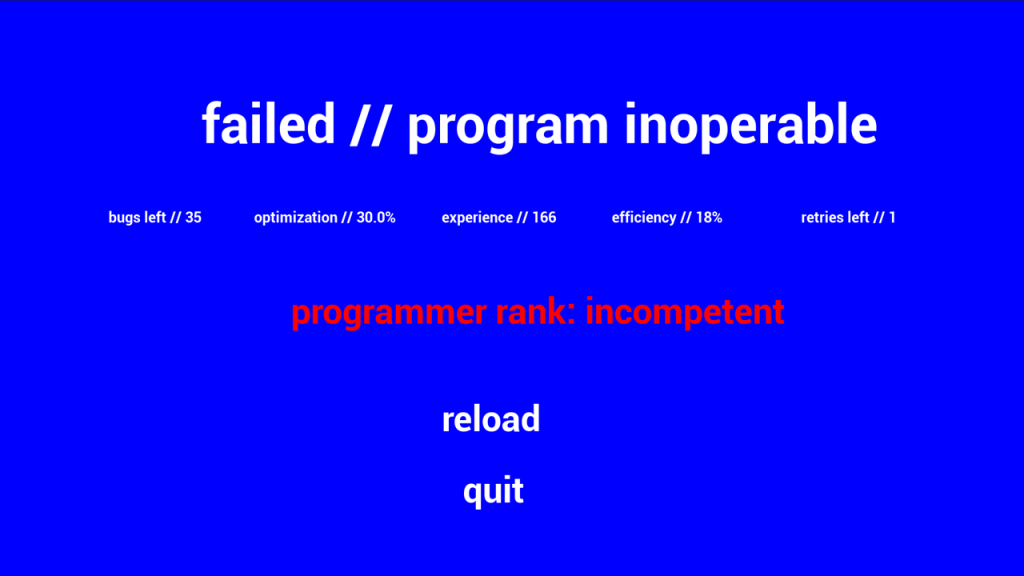
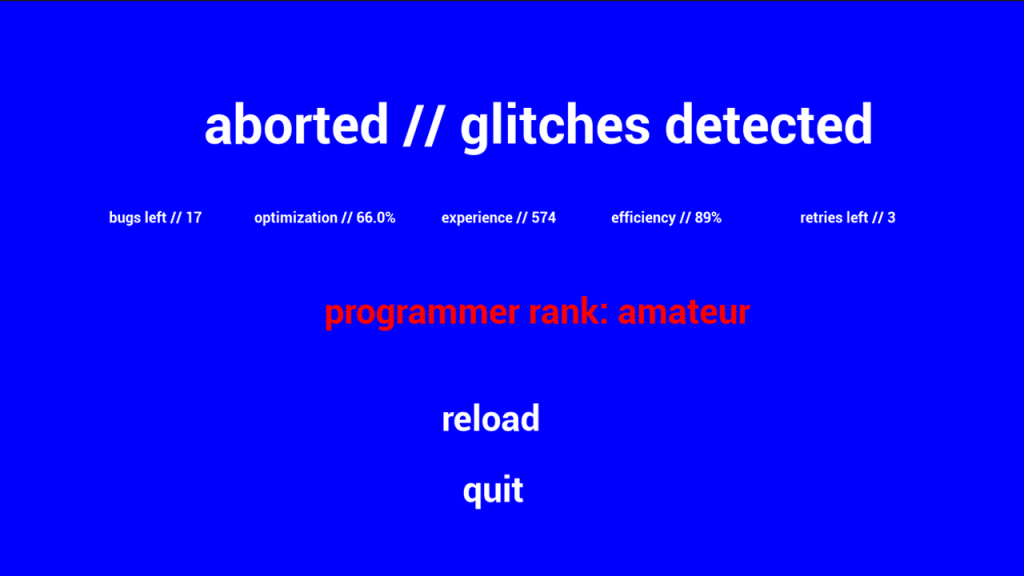
 Darkscape